

How To Choose a New Laptop/Computer
Bethany Grist • October 3, 2024
Let us Help With New Choices
Choosing a good laptop can be overwhelming with so many options available but focusing on a few key aspects can help you make the right decision. Here’s how you can choose the best laptop for your needs:
1. Determine Your Purpose
- Work: If you need a laptop for professional tasks, focus on models with powerful processors (like Intel Core i5 or i7), at least 8GB of RAM, and ample storage (preferably SSD).
- Gaming: For gaming, you'll need a laptop with a high-end graphics card (NVIDIA GeForce GTX or RTX), a fast processor, and good cooling capabilities.
- Everyday Use: For general use like browsing, streaming, and light tasks, a mid-range processor (like Intel Core i3 or i5), 4GB-8GB of RAM, and a standard SSD will suffice.
- Creative Work: If you’re into video editing, graphic design, or similar fields, look for a laptop with a powerful GPU, a high-resolution display, and a processor that can handle intensive applications.
2. Choose the Right Size
- 13-inch or smaller: Portable and lightweight, ideal for travellers and those who need something easy to carry.
- 15-inch: Offers a balance between screen size and portability, good for both work and entertainment.
- 17-inch or larger: Best for gaming or professional workstations where a large screen is crucial.
3. Battery Life
- If you need a laptop that lasts all day on a single charge, look for models with a battery life of at least 8-10 hours. This is especially important if you’ll be using the laptop on the go.
4. Build Quality
- Consider the durability of the laptop, especially if you travel frequently. Laptops with metal bodies (like aluminium) tend to be more durable than plastic ones.
5. Operating System
- Windows: Versatile with a wide range of software compatibility, good for gaming, work, and general use.
- macOS: Known for stability and performance, ideal for creative professionals and those who are already in the Apple ecosystem.
- Chrome OS: Lightweight and secure, best for basic tasks like web browsing, streaming, and document editing.
6. Storage and RAM
- Storage: SSDs (Solid State Drives) are faster and more reliable than traditional HDDs. For most users, a 256GB SSD is a good starting point.
- RAM: More RAM allows your laptop to handle more tasks simultaneously. 8GB is the minimum recommended for most users; 16GB or more is better for gaming or professional work.
7. Display Quality
- Consider the resolution (Full HD is standard, 4K for high-end models), brightness (300 nits or higher is ideal), and color accuracy (important for creatives).
- If you plan to use the laptop outdoors, a brighter screen with anti-glare features is beneficial.
8. Keyboard and Touchpad
- A comfortable, responsive keyboard is crucial, especially if you type a lot. If possible, test the keyboard in-store to ensure it meets your comfort needs.
- The touchpad should be smooth and responsive, with support for multi-touch gestures.
9. Ports and Connectivity
- Ensure the laptop has the necessary ports for your peripherals (USB, HDMI, headphone jack, etc.). USB-C ports are becoming standard and are useful for charging and data transfer.
10. Brand and Warranty
- Consider brands known for their reliability and customer support. Also, check the warranty and consider an extended warranty if you’re investing in a higher-end model.
11. Budget
- Set a budget and prioritise features based on your needs. High-end laptops offer more power and features, but there are great mid-range options that provide excellent value for money.
By considering these factors, you’ll be able to choose a laptop that fits your specific needs and offers good performance, reliability, and value.
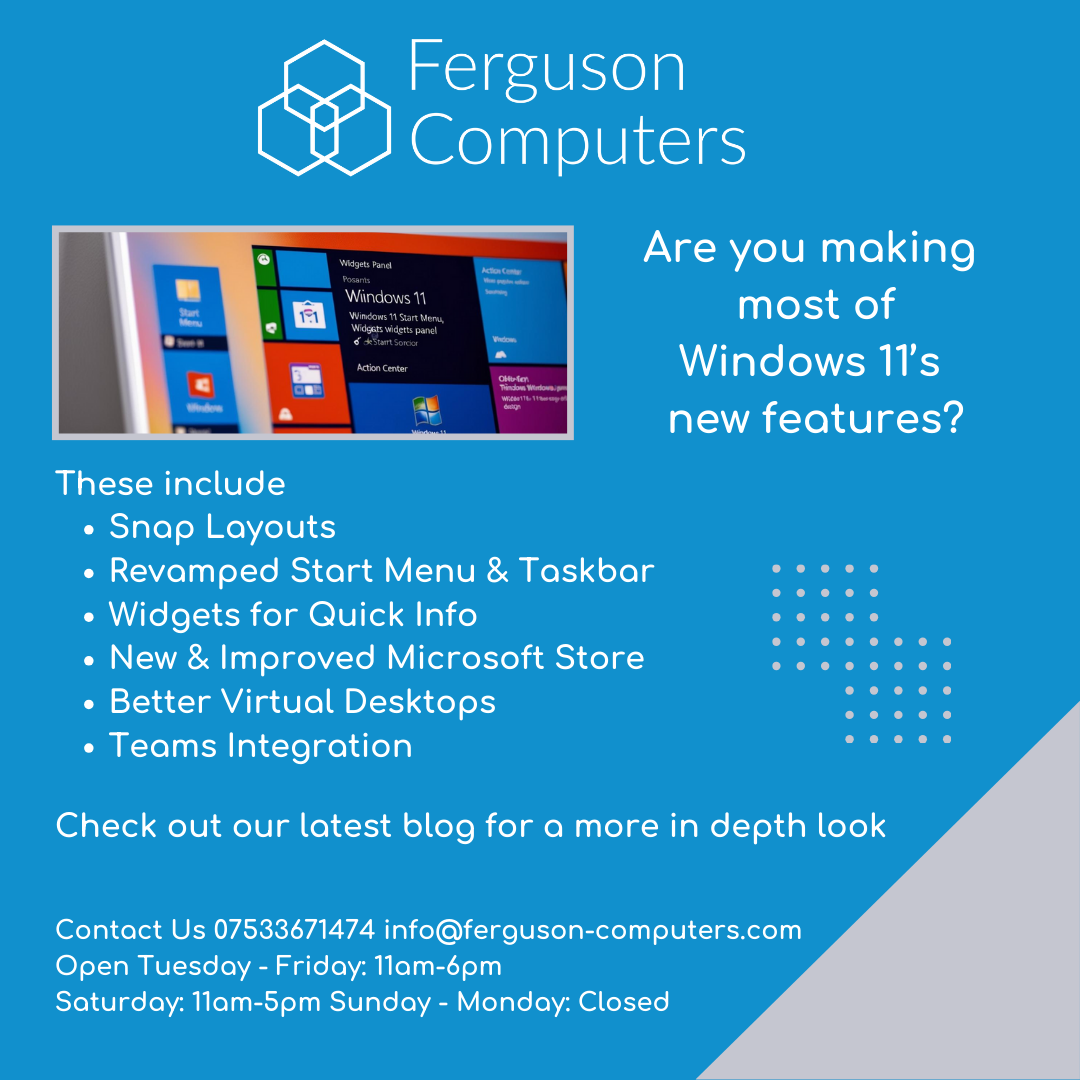
Windows 11 new features
"Repair or Replace? That is the Question" - Shakespeare (We Think)
Should Your Get Your PC Fixed?

Why you Should Have Your Computer Serviced Regularly.
Fixing a Hard Drive - Can it be Done?
Here are some rookie errors you could make

How important is Ferguson Computers?
Time to Say Goodbye....To Windows Ten

Cyber Security! Tell Everyone!
Repair your laptop!
